Mamei
Plant care, it’s harder than it looks
The world of plants is such a complex space. Whether you are a first-time plant owner or an avid plant parent, knowing exactly what the right conditions are as well as the basic needs of your plants is a tricky thing. Some would even call it an art!
For this case study, I wanted to explore creating a mobile app designed to help all plant parents, whether new or experienced, understand the care their plants need and allows them to track their plant cycles to help optimize their growth. Mamei is designed to give all plant parents the confidence they need to help grow their plant family.
The Problem
Plant owners need a convenient way to understand and track the basic needs of their plants so that their plants can thrive and survive!
So...
How might we help plant owners keep track of the plant growth and provide appropriate care for their plants?
Research & Findings
The objective was to understand the plant owner’s typical care routine, their experiences with caring for their collection, and what kinds of things they struggled with pertaining to plant care. With that in mind, I decided to conduct user interviews as a method of user research.
User Interviews
I performed 4 interviews over Zoom where the participants:
Ranged in experience (new, novice, experienced)
Are working professionals between the ages of 28-35
The interview questions were structured around various topics:
Understanding of the plant biology, life cycle and living conditions
Routine and tracking
Pain points
Affinity Mapping
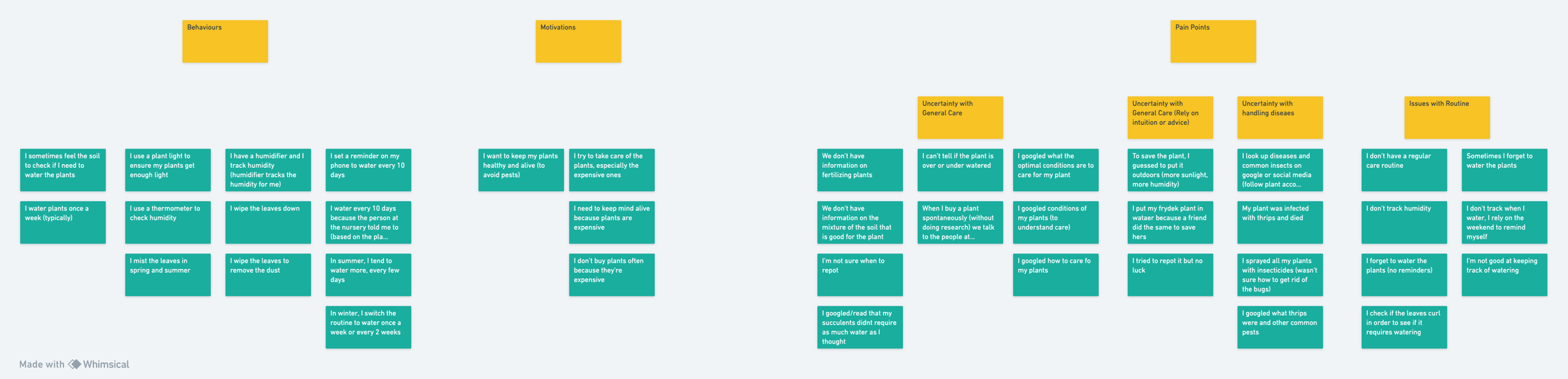
Affinity mapping was used to synthesize the research and to help organize the data to discover the behaviours, motivations and pain points for current plant lovers.
Findings
Goals & Motivations
Grow their personal plant collection
Confidently care for their plants to ensure plant growth and longevity
Plants are costly so with expensive plants there is more incentive to keep them alive
Pain Points
Plant parents, no matter what their experience is, tend to forget to water their plants
Most people struggle in keeping track of their plant lifecycle and when certain tasks were performed
Most do not have a strong understanding of their plant needs and must look it up. It becomes a repetitive and frustrating process
Seeing plant pests and not knowing how to handle them
The Users

Open-Minded
Forgetful
Curious
Passionate
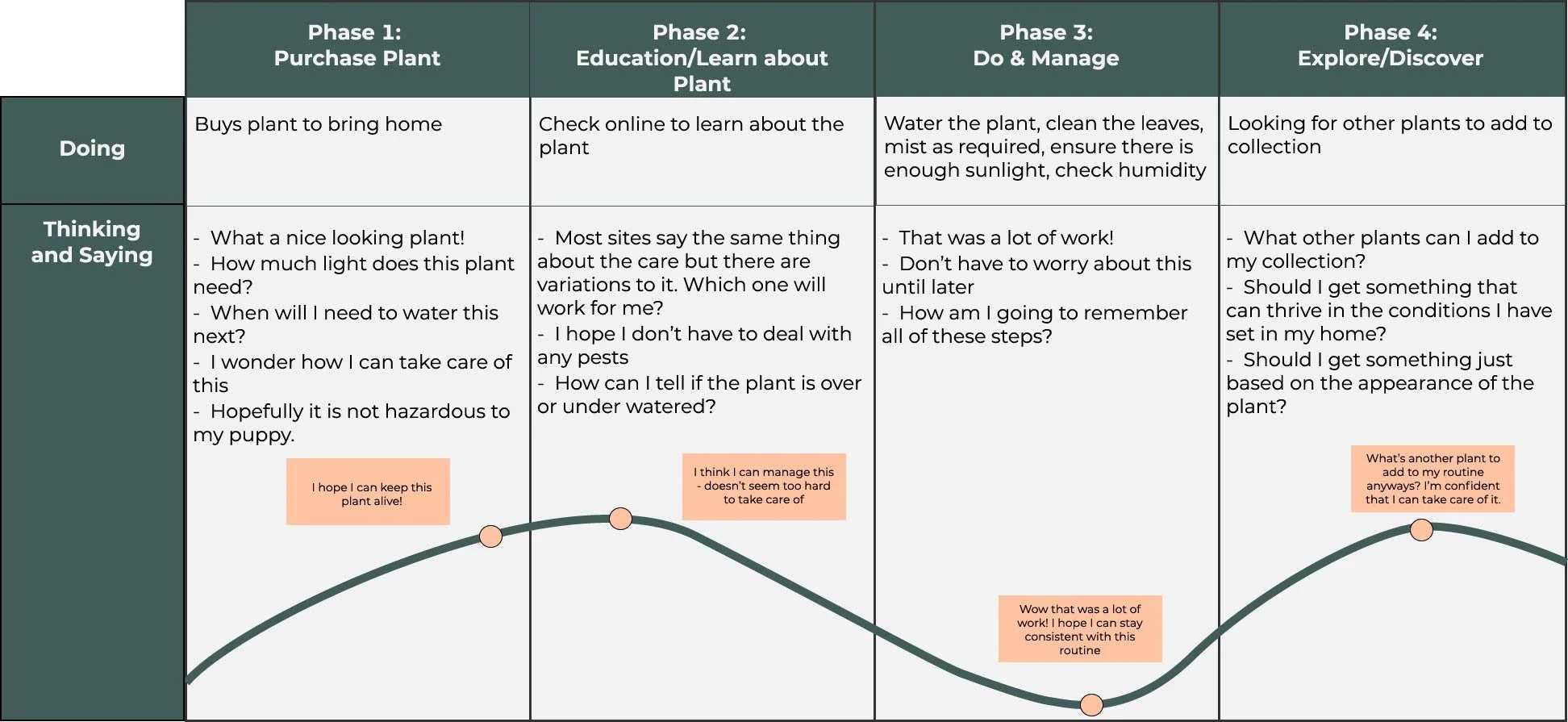
The User Experience
Goals:
To grow her plant collection and have them be full and healthy
To be confident in caring for her plants and saving the unhealthy ones
Needs a way to track her collection - the conditions they thrive in, common issues with the plants
Needs a way to track her plant care routine
Challenges:
With plants being so expensive and with her attachment to her collection, she gets frustrated when she is unable to save them
Forgets to water plants
Unfamiliarity with the plants she owns, which means more time spent on the Internet searching the same things over and over again
Behaviours:
Typically does the basic care like watering weekly, but is not consistent with it and tends to forget
Tends to put all plants in an area that has the most sunlight. She believes the more sun, the better
Barely remembers to mist the leaves and wipe the dust off her plants
Constantly checking the Internet for possible solutions when there seems to be something wrong with it. She’ll repot the plant if she doesn’t know
Buys a new plant based on the look of the plant. She buys news plants only when she loses one
Design Approach
Based on the research and analysis, the basic features and functionality for the MVP was determined. The MVP was another step in the journey to creating a solution that would help meet and exceed our users’ needs.
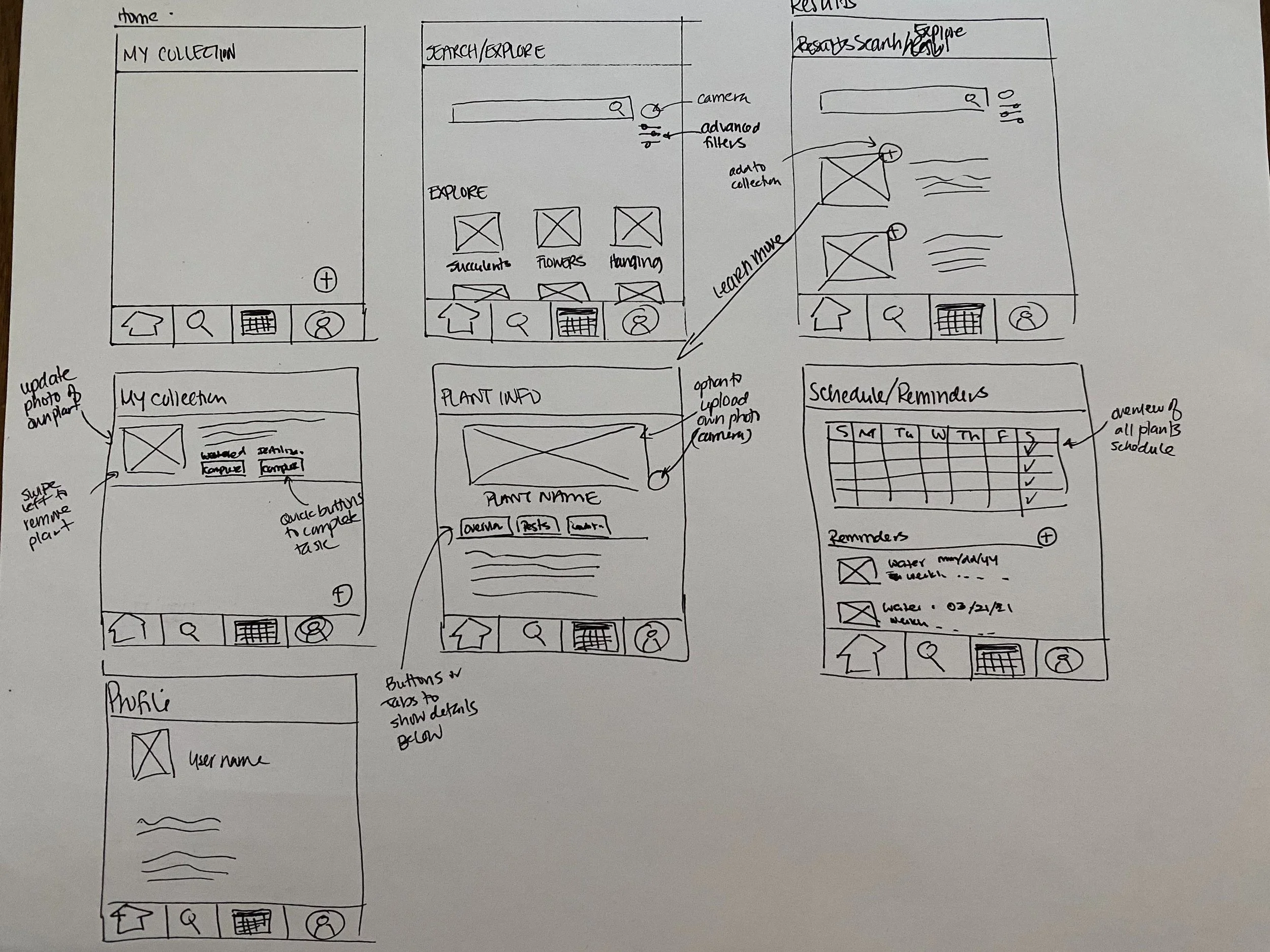
Ideation & Sketches
User Flows
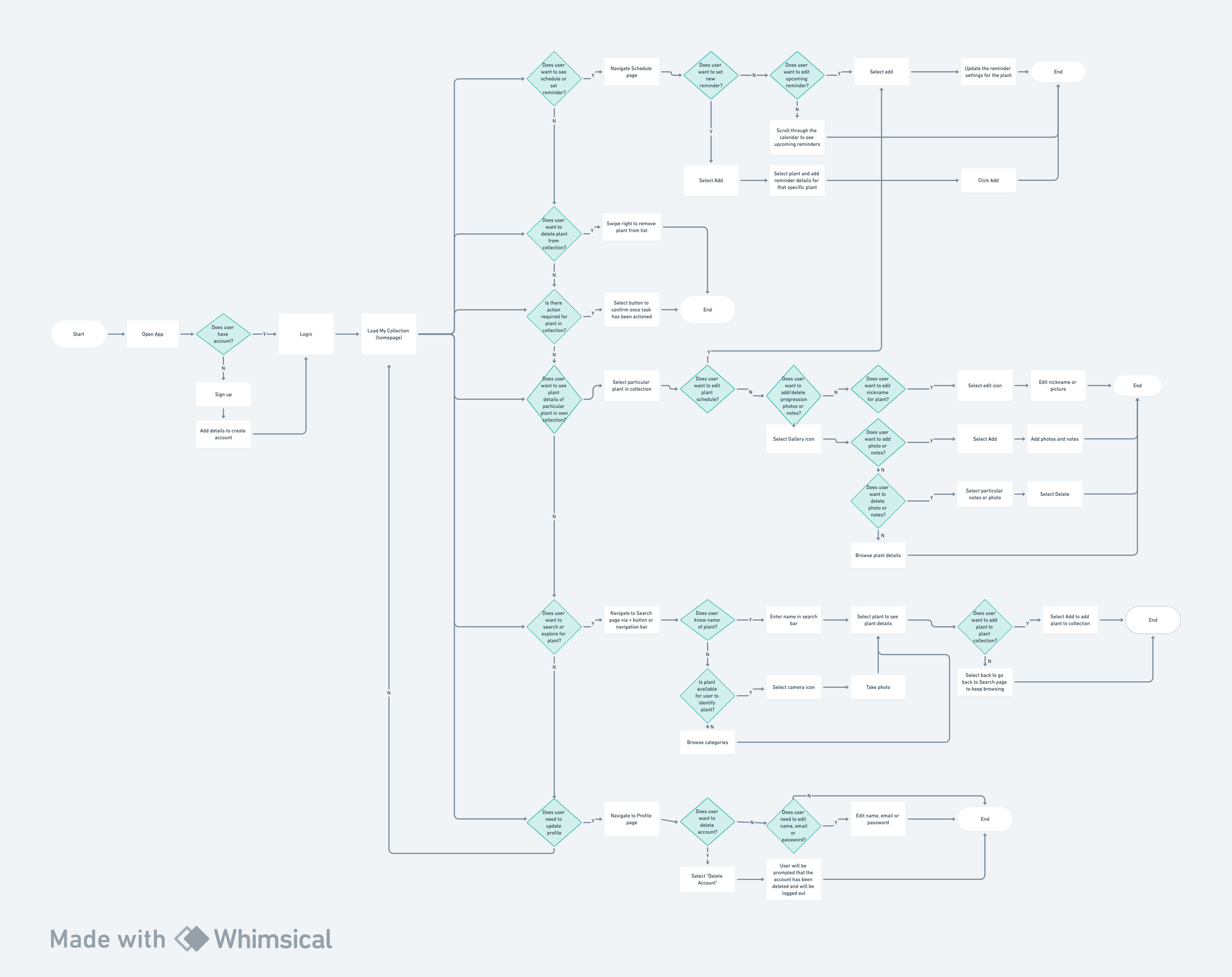
Adding to the sketches and user journey, I created a user flow that would:
Showcase key decisions users would need to make using the app - this could be at login or for key tasks such as scheduling, adding plants to a collection, updating and editing and search and explore
Outline the various tasks from a user perspective and also ensuring that we were capturing flows that would address the challenges identified from the research
Site Map
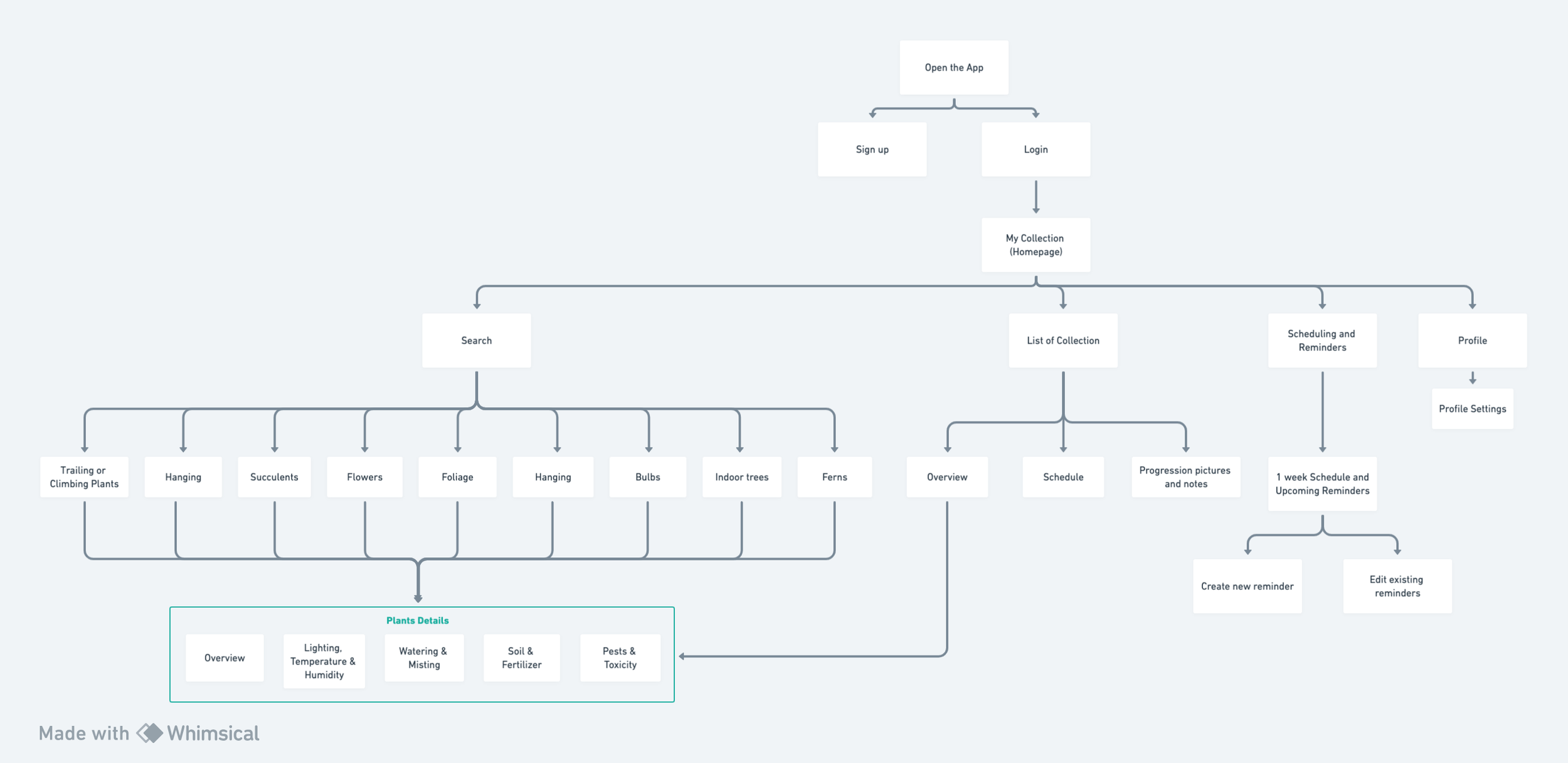
I created a site map that would help provide a visual representation of the overall flow of the app. Once on the homepage, there will be 4 main features that a user can action on. One notable finding from this exercise was that it showcased how some features can be connected to others, and played a part as I designed the app.
The Real MVP
Using the MoSCoW method, I was able to identify and prioritize the features required for the minimum viable product, MVP.
-
My Collection:
• Add and delete plant from library
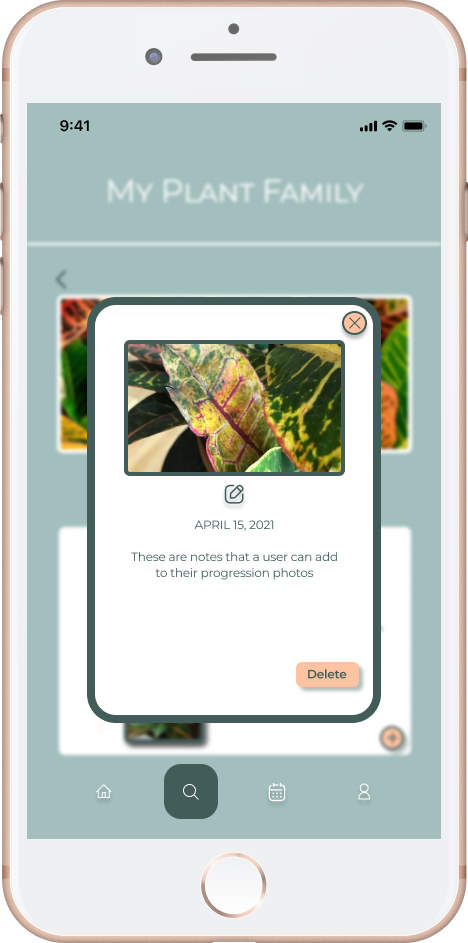
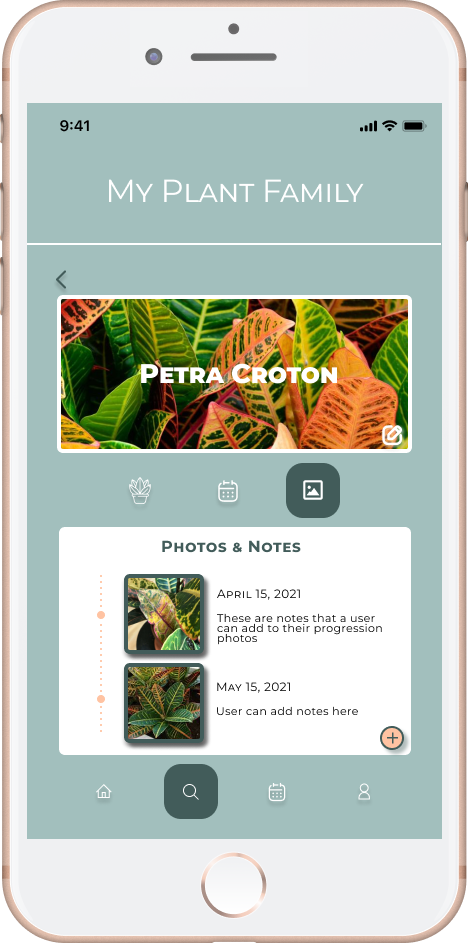
• Add progression photos and notes
• Take photo for collection cover
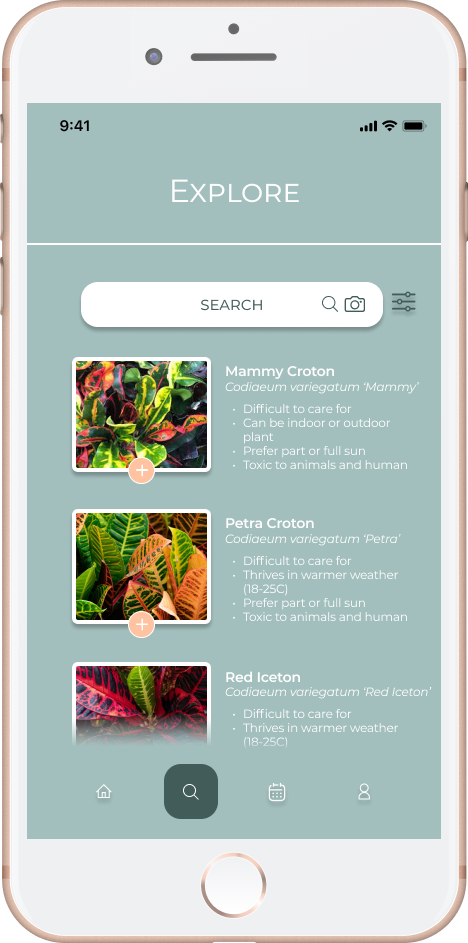
Search & Explore:
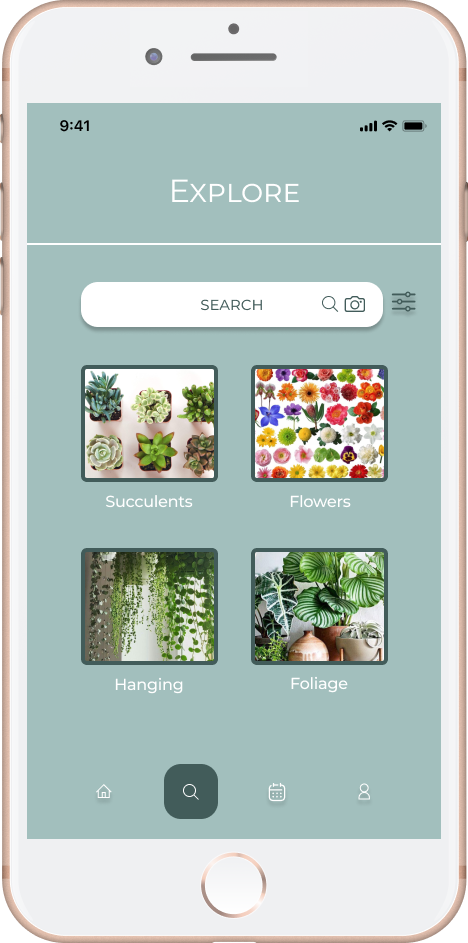
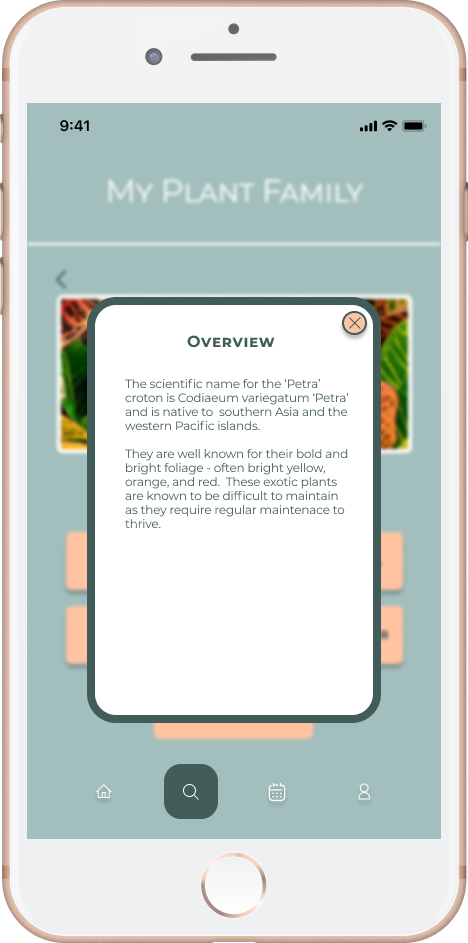
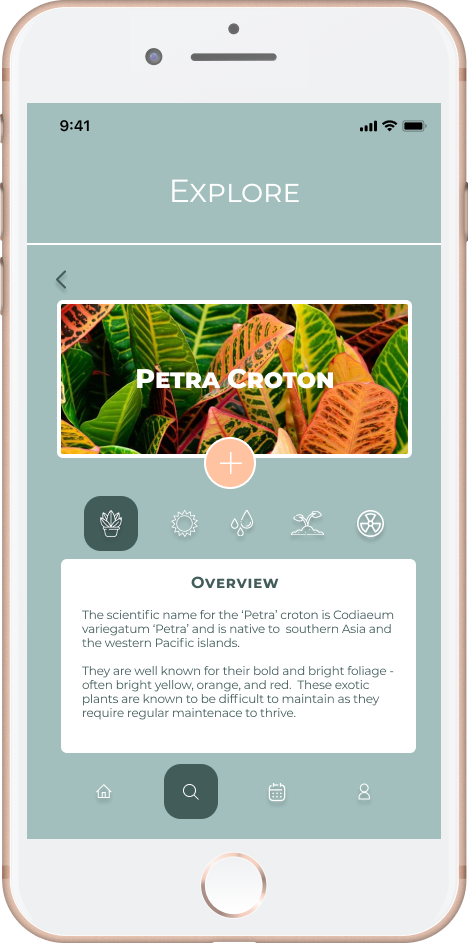
• Advanced filters
• Take photo to search
• Search by categories
Schedule & Reminders:
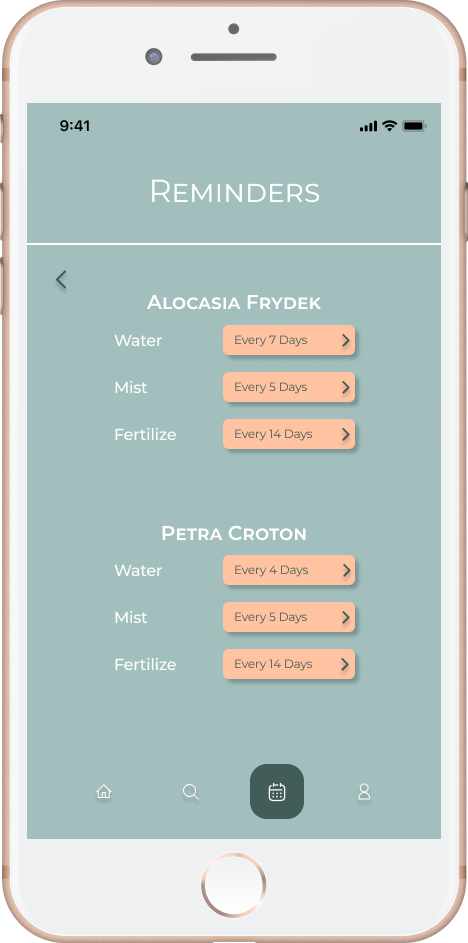
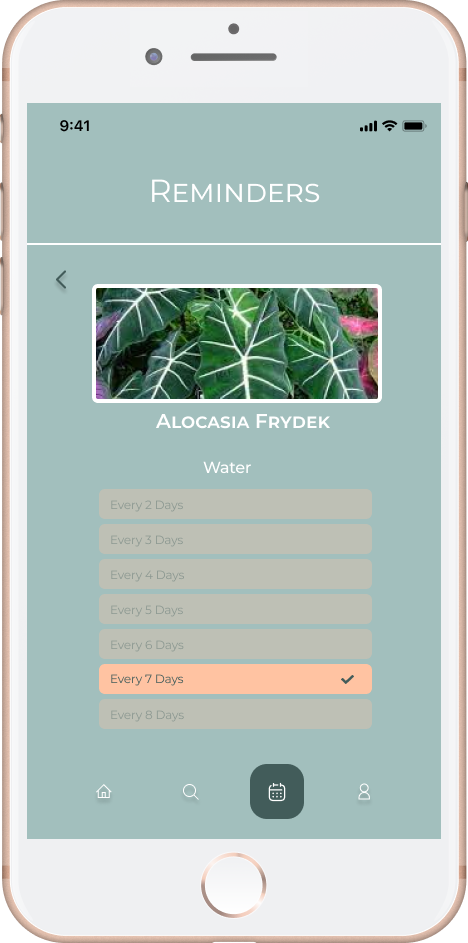
• View tasks required to maintain plant lifecycle
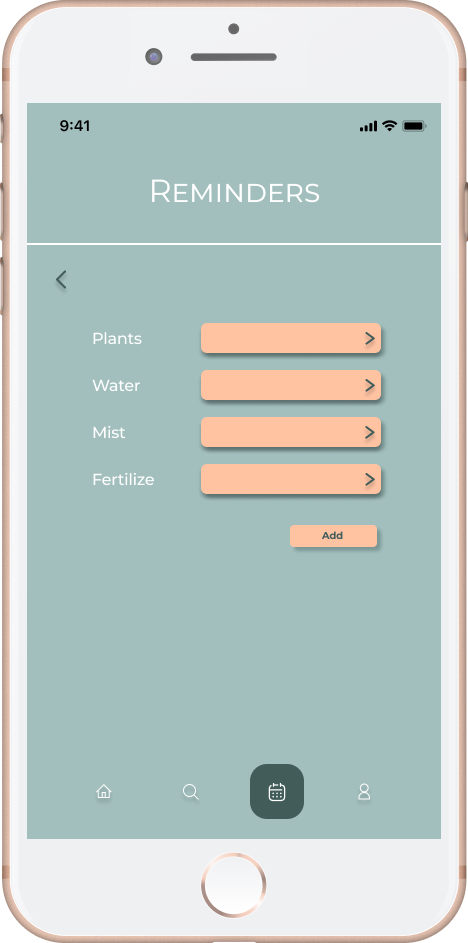
• Add, delete or edit reminders
Quick action buttons to confirm task complete
-
• Store collection as list and rename
-
• Sharing the collection on various social media platforms
-
• Forum or discussion board amongst users
• Sharing collection with internal plant community
• Incorporating other sensors to help detect living conditions for the plants
Usability Testing
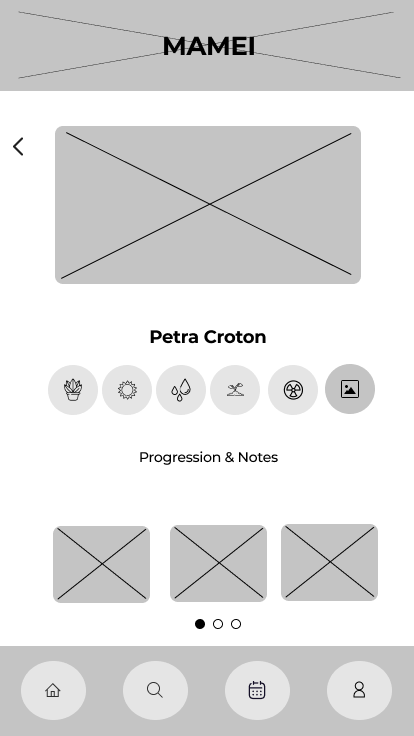
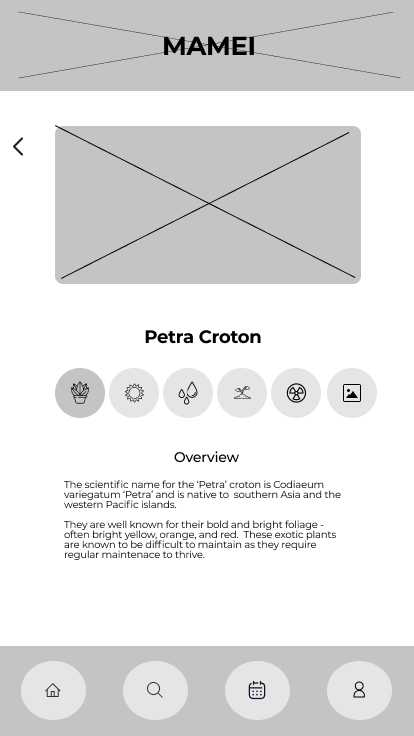
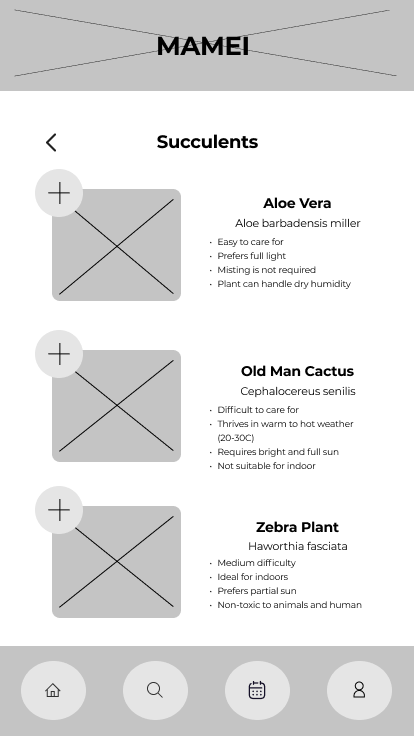
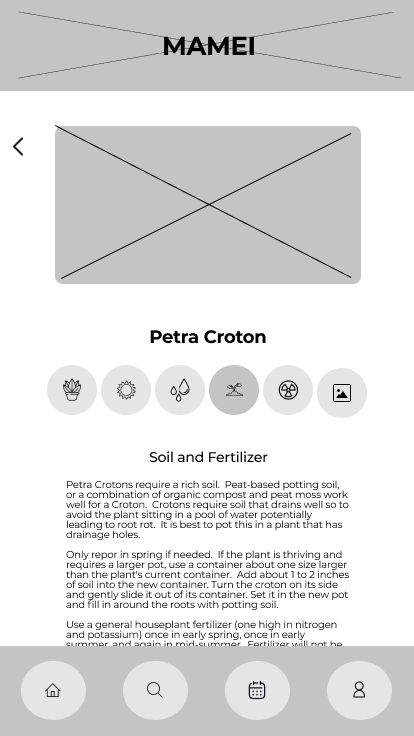
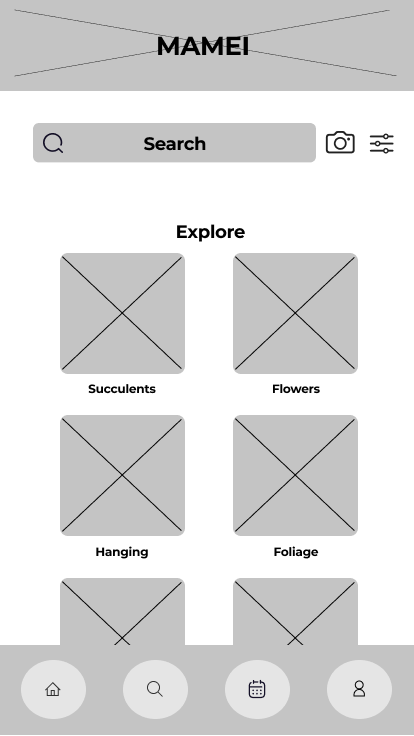
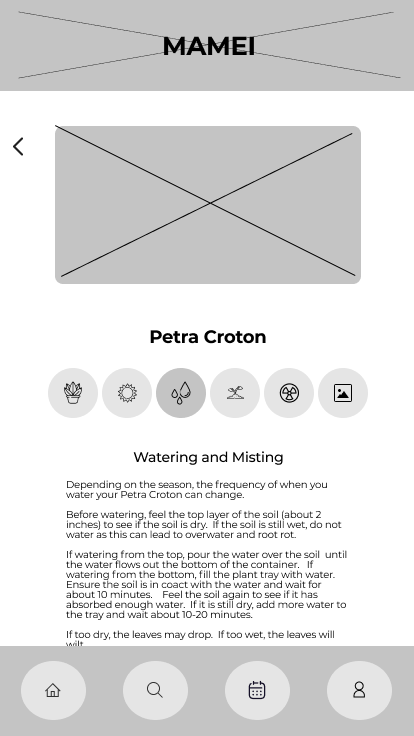
Usability Testing Feedback
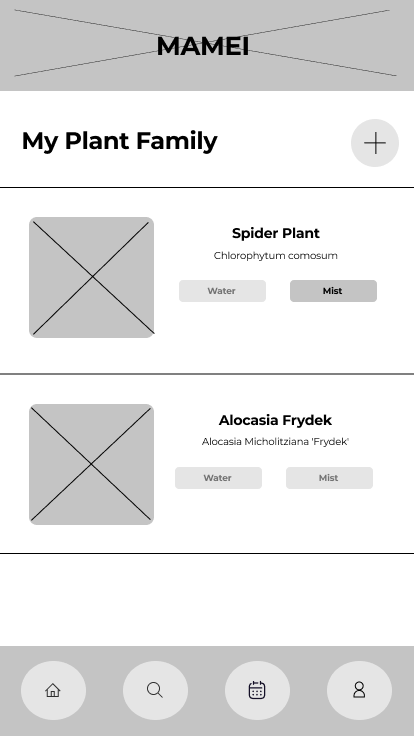
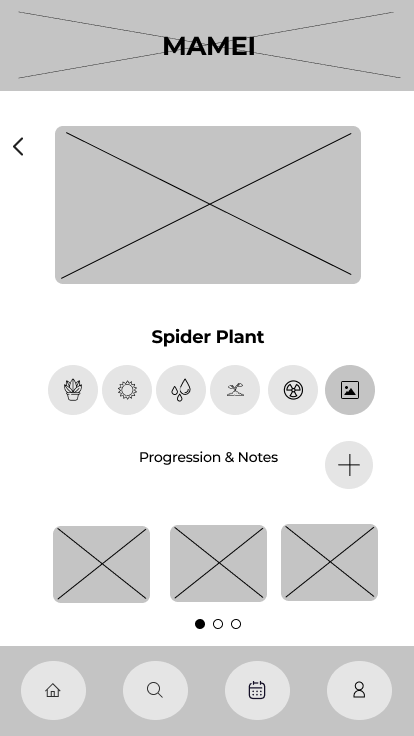
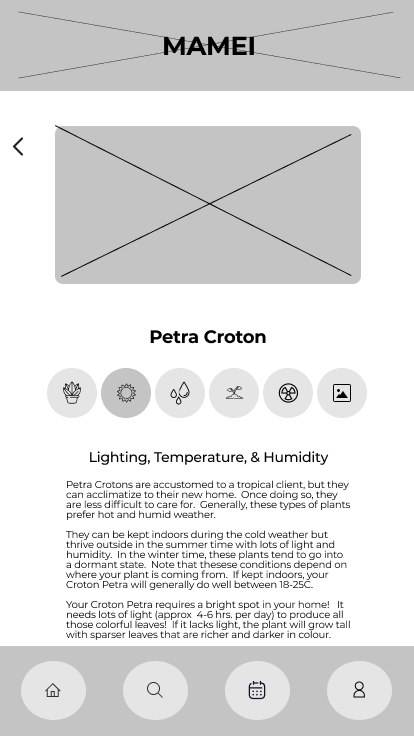
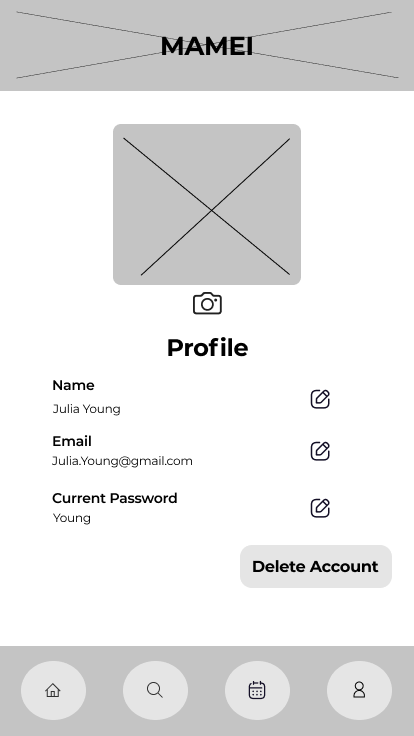
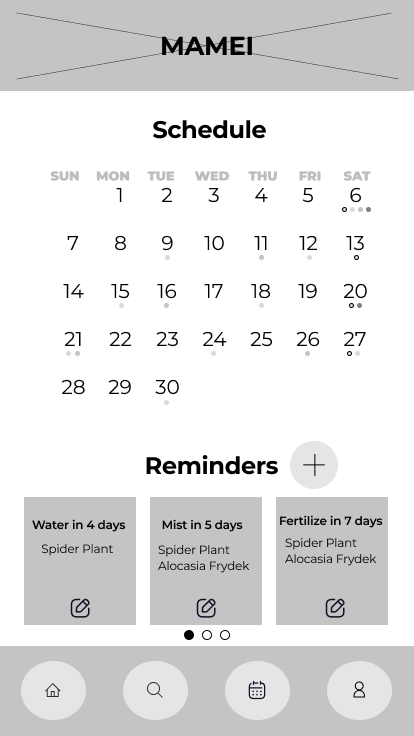
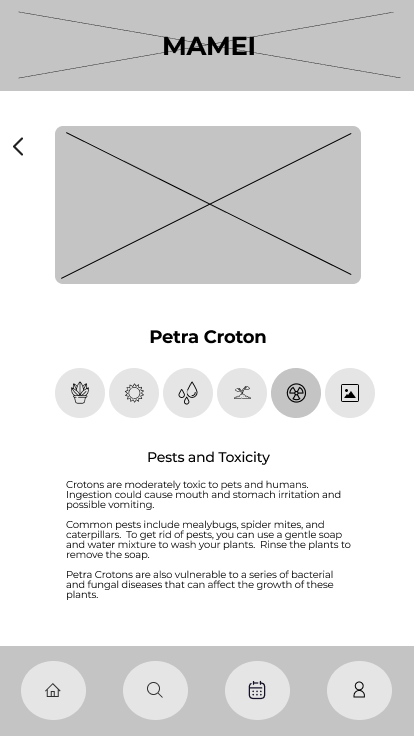
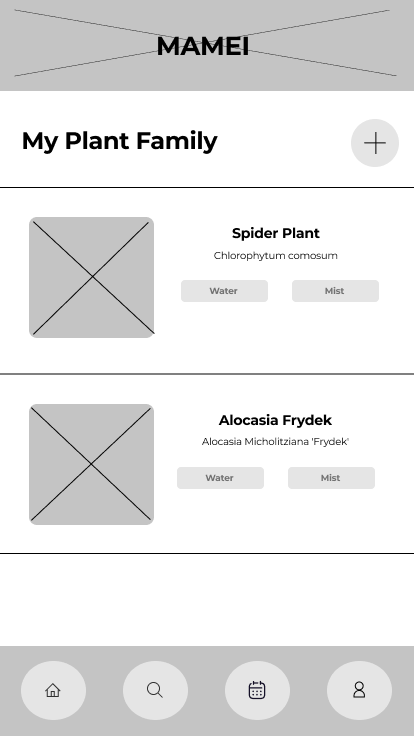
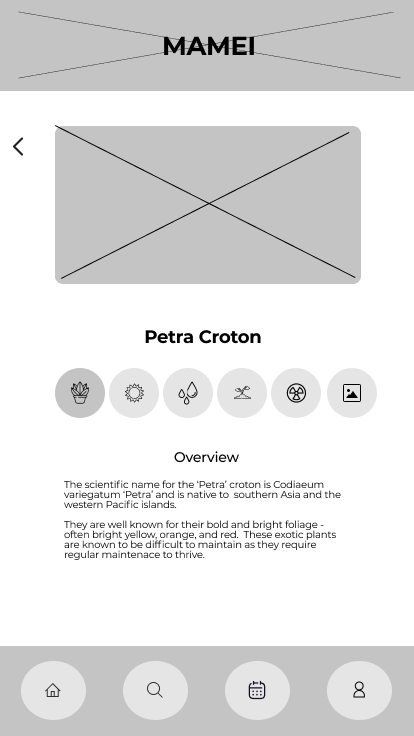
Building out the low fidelity wireframes allowed me to visually see the flow and bring my vision to life. Using these wireframes as the backbone of my usability testing, I had collected feedback from all the users which helped evolve my solution to provide a better user experience and a product more suited to their needs.
Feedback:
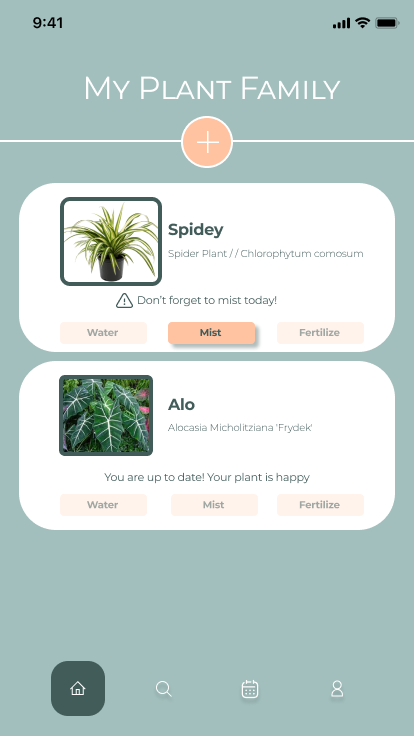
Action buttons were a bit confusing without colour and status
Different icon for Progression Photos and Notes. It was originally a camera icon so it was already associated with taking a photo
Instead of seeing the reminders by plant, show the reminders by action type
View of the schedule could be clearer. A legend may be required
The Evolution
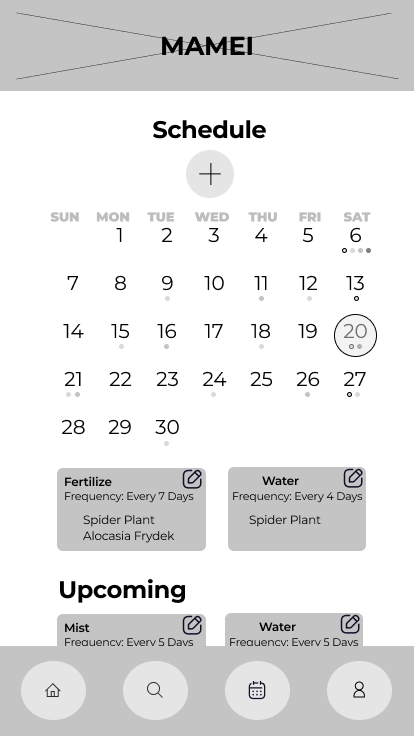
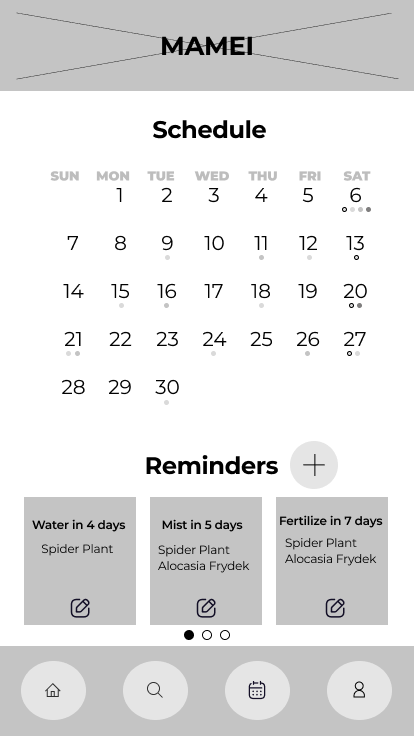
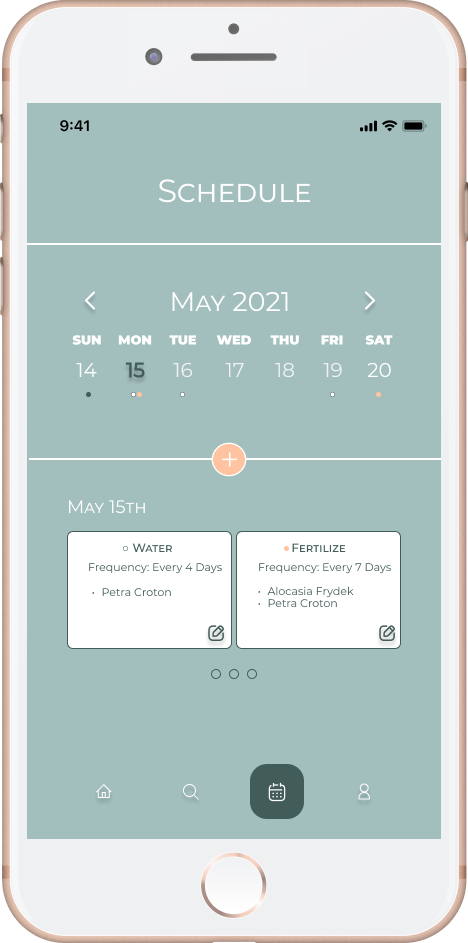
Features and views that have evolved as a result of testing:
View of schedule
Action buttons and status of plant
Layout and colour for clarity
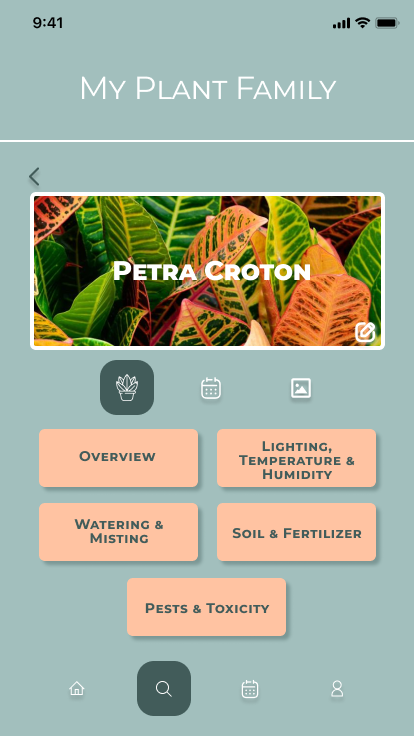
More Testing, More Feedback
Usability testing was also conducted once the first set of high fidelity wireframes were put together to further test and get feedback.
Feedback:
Navigation was clear
The buttons and flows were intuitive
Font and colours were fitting for the app
Other Improvements:
Instead of showing a month to month schedule, a week would be sufficient.
Update display for reminders
Users should be able to add reminders through their plant collection
To create more of an emotional attachment, the user should be able to add a nickname
Final Frames & Prototype
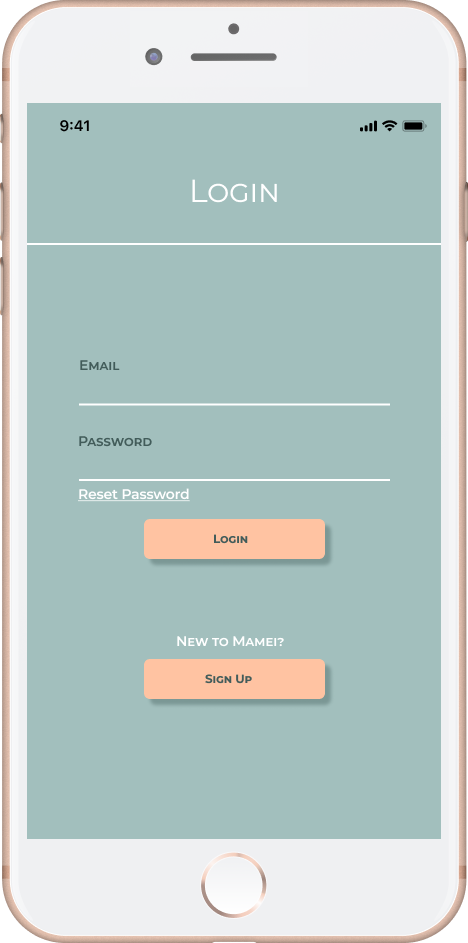
Login Page
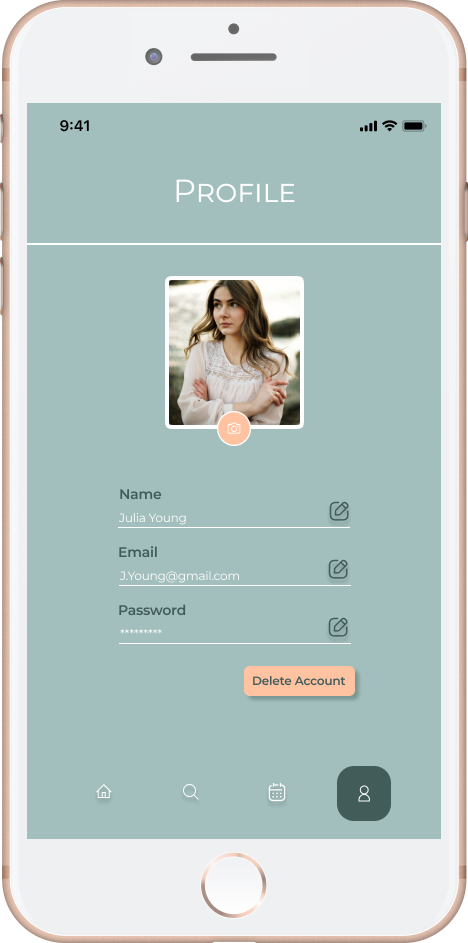
Profile
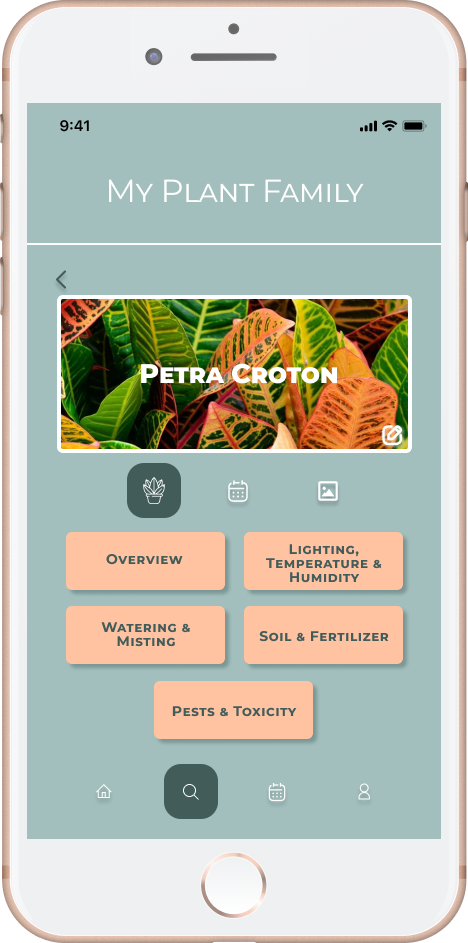
Search & Explore
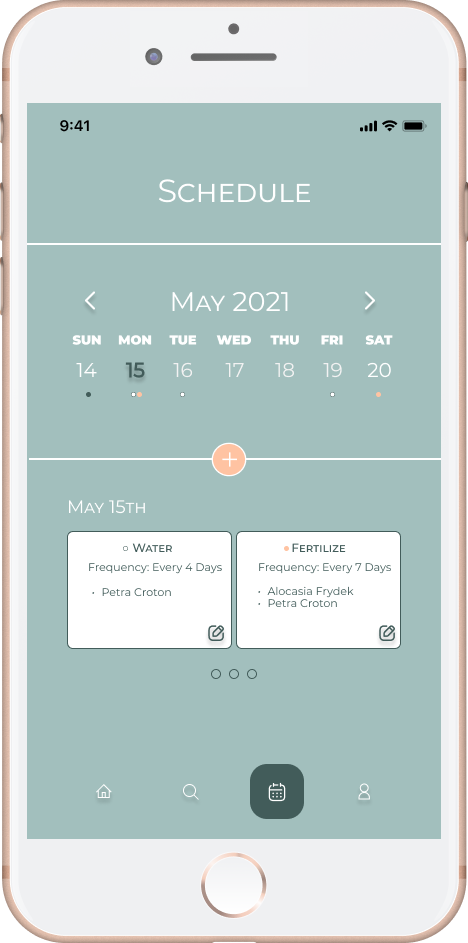
Schedule & Reminders
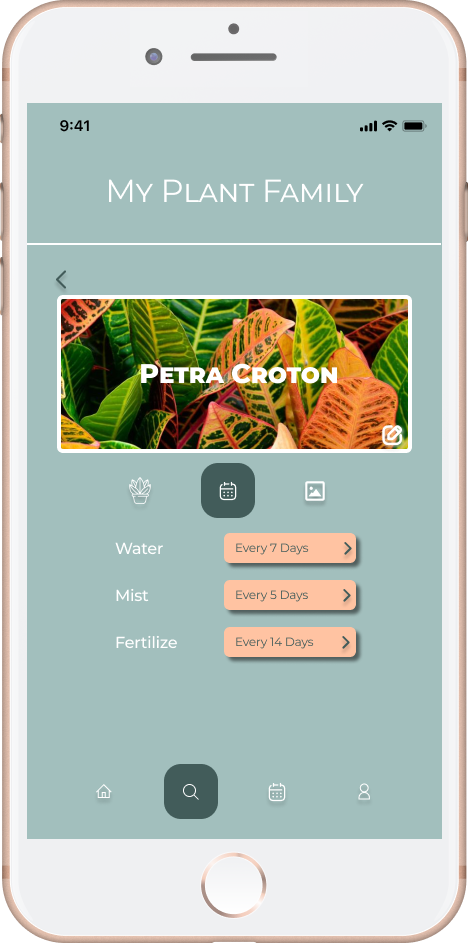
Within My Collection
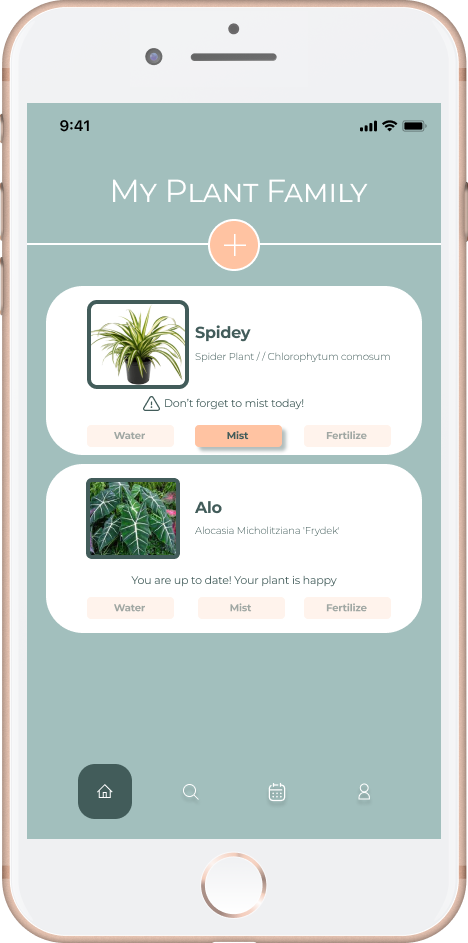
My Collection
What’s Next?
Include instructions or tips to ensure better user onboarding. This would help address some of the confusion with the buttons.
Forum or discussion board to be available for the plant community using Mamei
Reminders can be automatically set when adding a new plant to the collection
A feature where a user can enter the temperature or humidity into the app to see if it’s optimal for their plant
Location tracking for local weather updates
Gamification:
Badges for maintaining or saving plants
Creating competitions between users (”Best Garden”, “ Best Collection”, “Longest Streak”)
Plant owners are proud of their collection and would want to take pride in showing off their collection. They should be able to share this with users (within the Mamei forum, other plant communities and through social media)